
Best photos for Pick It Up Dance Video
How to choose clear source photos for solo, duo, and outfit-change dance templates.
 pickitupdanceai
The generator can only follow details that are visible in the source photo. A sharp, front-facing image with even light gives the model a much better starting point than a cropped screenshot or a tiny profile picture.
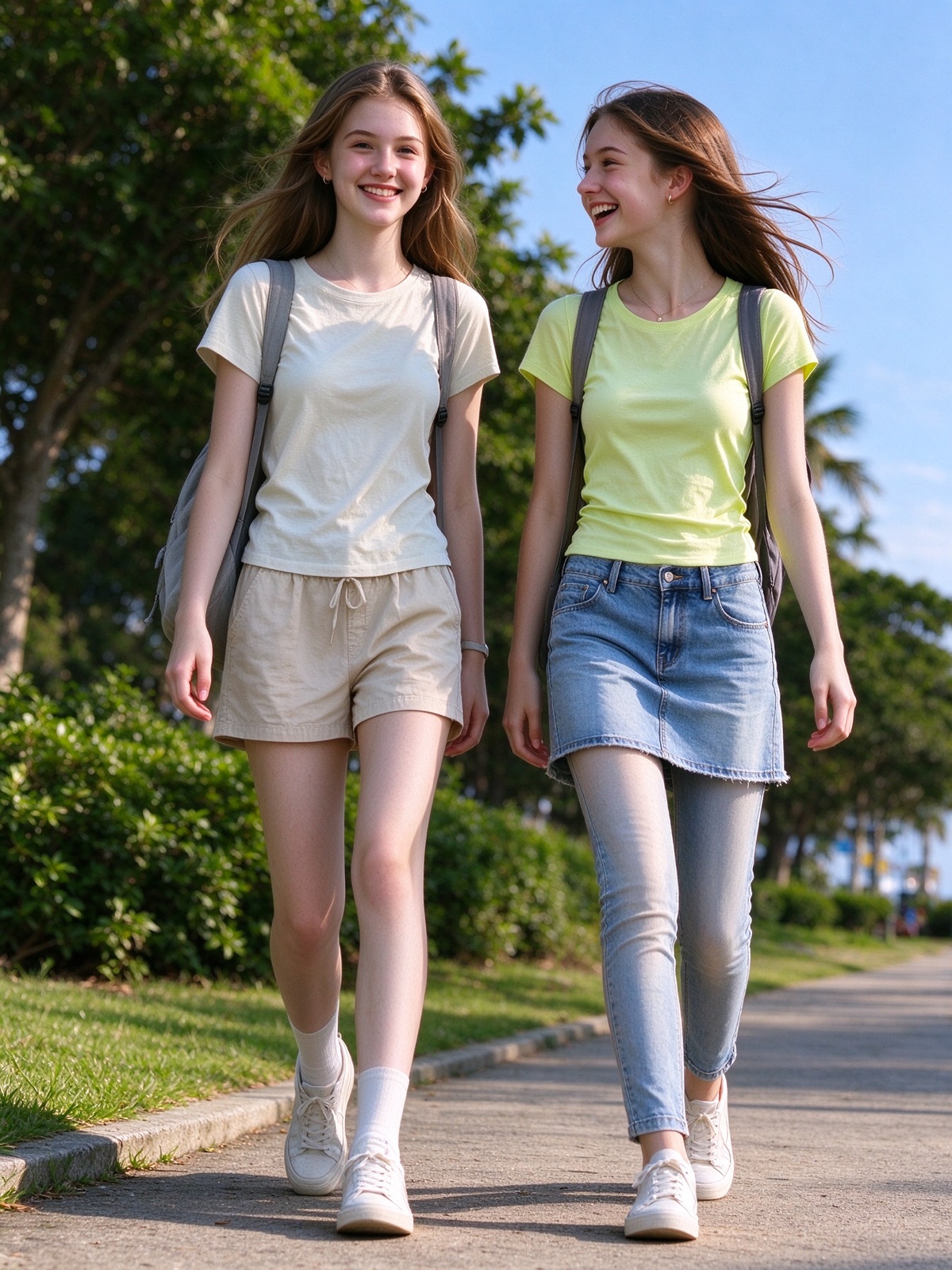
Each pair below is a real source photo next to the Pick It Up Dance Video generated from it.
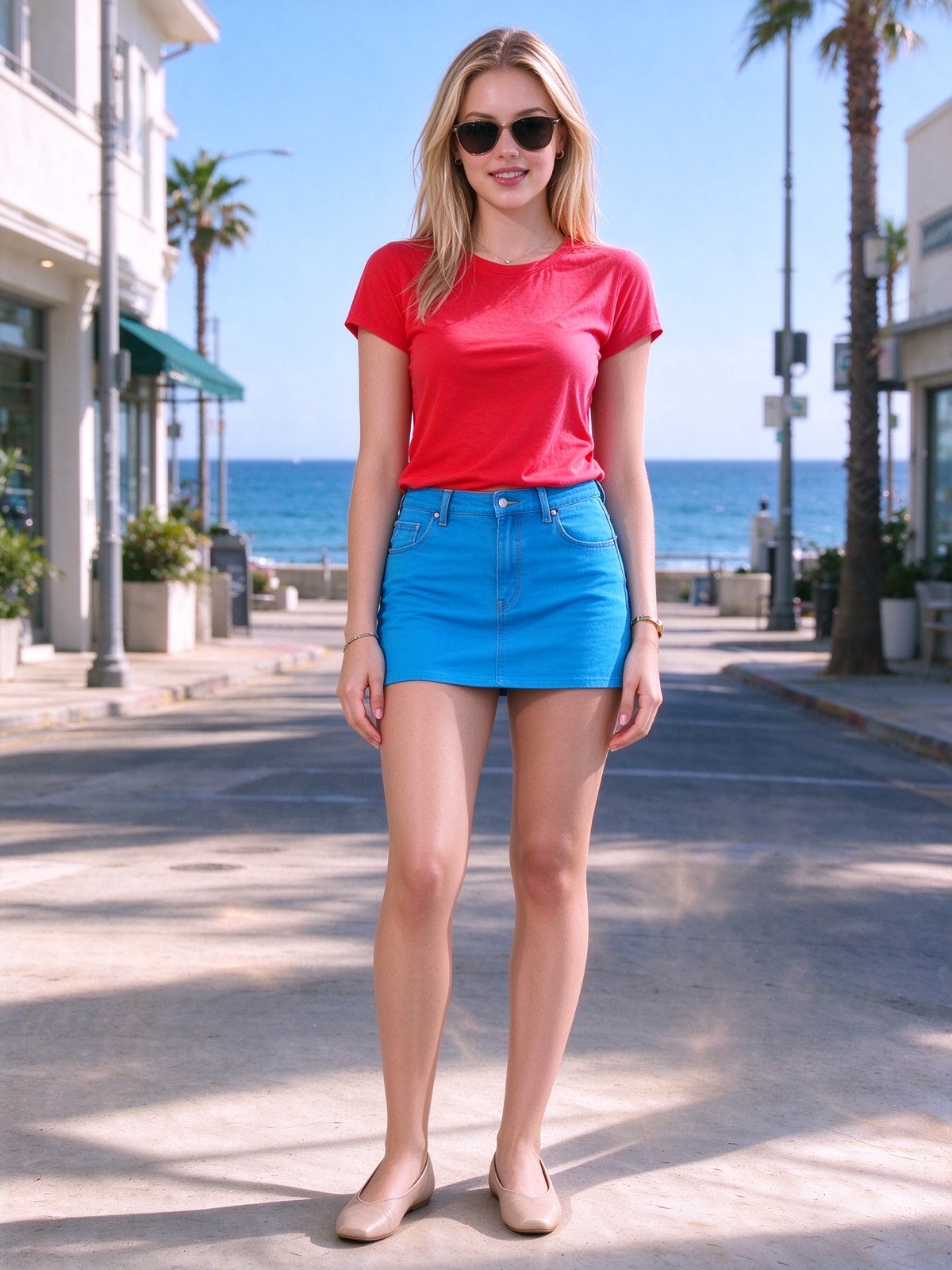
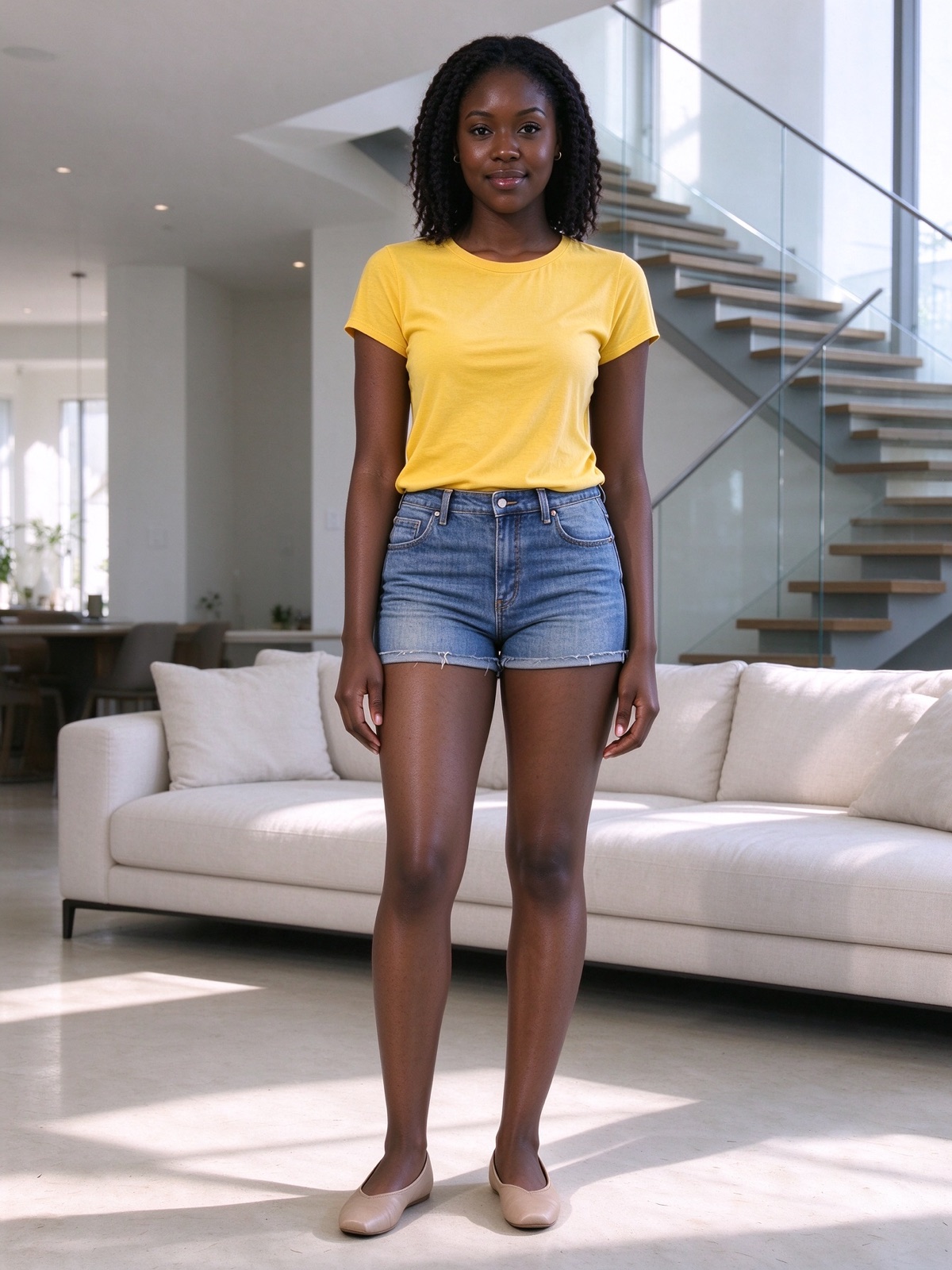
Solo
Upload one person with the face visible. A standing or three-quarter photo is useful because the dance includes arms, torso, and legs. Keep the camera around eye height and avoid a heavy beauty filter.
Duo
Outdoor duo starts with one group photo containing both people. Keep both faces and most of both bodies visible. If you use the two-photo option, upload one person per file and keep the framing and light similar.
Outfit change
Upload three photos of the same person in three different outfits. Keep the face, body, camera distance, and lighting consistent. The clothes should change; the person should not.
Avoid these source problems
- Sunglasses, hair, or hands covering the eyes.
- Faces that are very small in a crowded scene.
- Blurry motion frames or screenshots of screenshots.
- Strong filters that reshape the jaw or skin tone.
- Three outfit photos with different people or radically different framing.
JPG, PNG, and WebP files up to 10 MB are accepted. The final video is always reframed to vertical 9:16. Read the photo guide before you spend credits.