
What is Pick It Up Dance Video?
A practical guide to the Pick It Up photo-to-dance video format: solo, duo, and outfit-change templates.
 pickitupdanceai
Pick It Up Dance Video turns the people in your photos into a short, vertical dance performance. You do not need a camera crew, a choreography lesson, or an editing timeline. Choose a template, upload the right photos, and let the model animate the movement.
Three ways to start
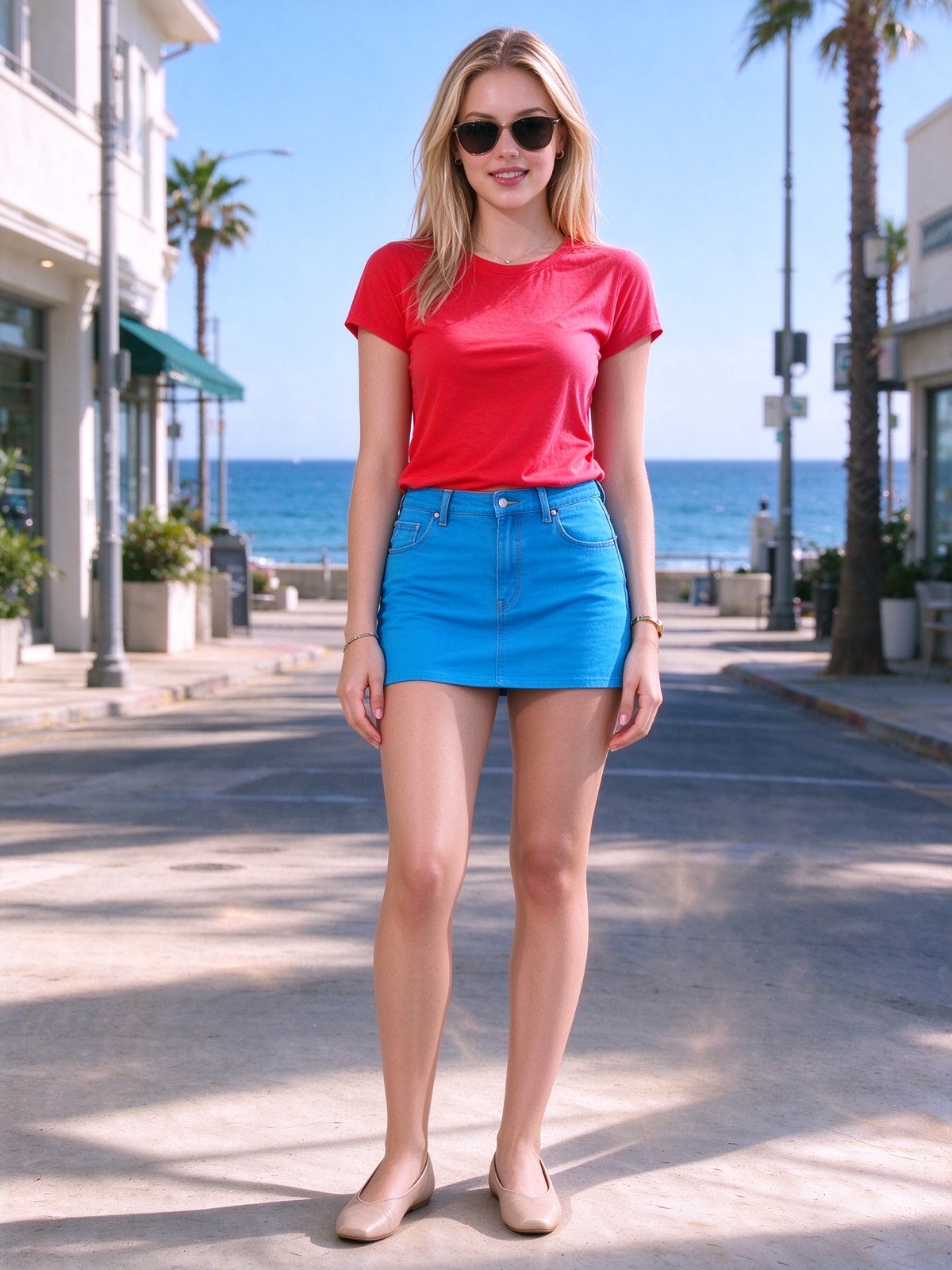
- Indoor solo: one clear photo of one person.
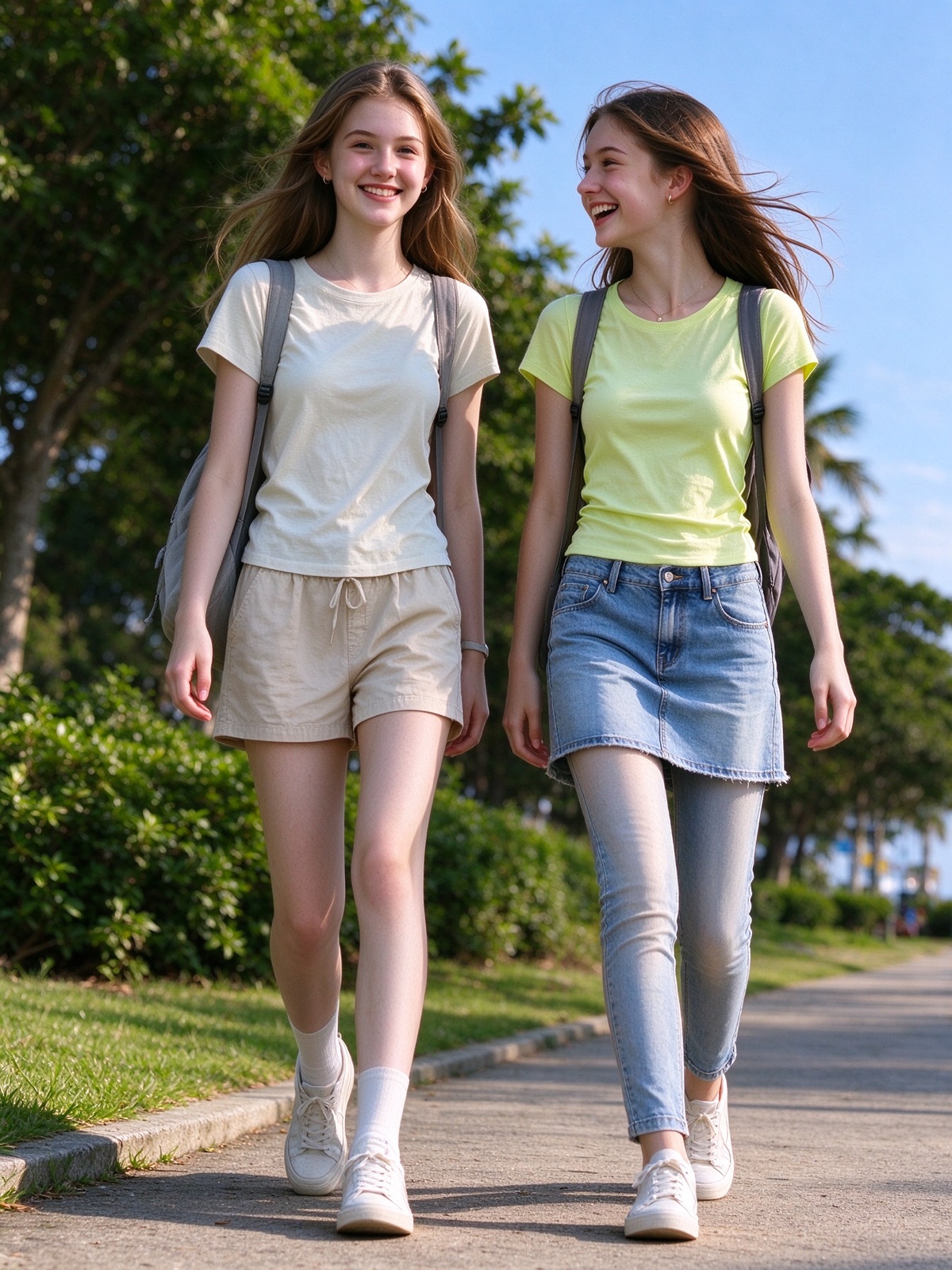
- Outdoor duo: one clear group photo by default, or two individual photos.
- One person · different outfits: three photos of the same person in different looks.
The template controls the scene, framing, camera movement, and dance direction. Your photos control who appears in the video. Keep faces visible and use images you have permission to edit.
What comes back
The output is a 12-second 9:16 MP4. It is designed for TikTok, Reels, and Shorts. The model tries to preserve faces and bodies, but hands, clothing, timing, and expressions can drift. Watch the complete file before you share it.
Generation uses credits. 768P is 12 credits and 2K is 20. Failed or blocked renders are never charged.
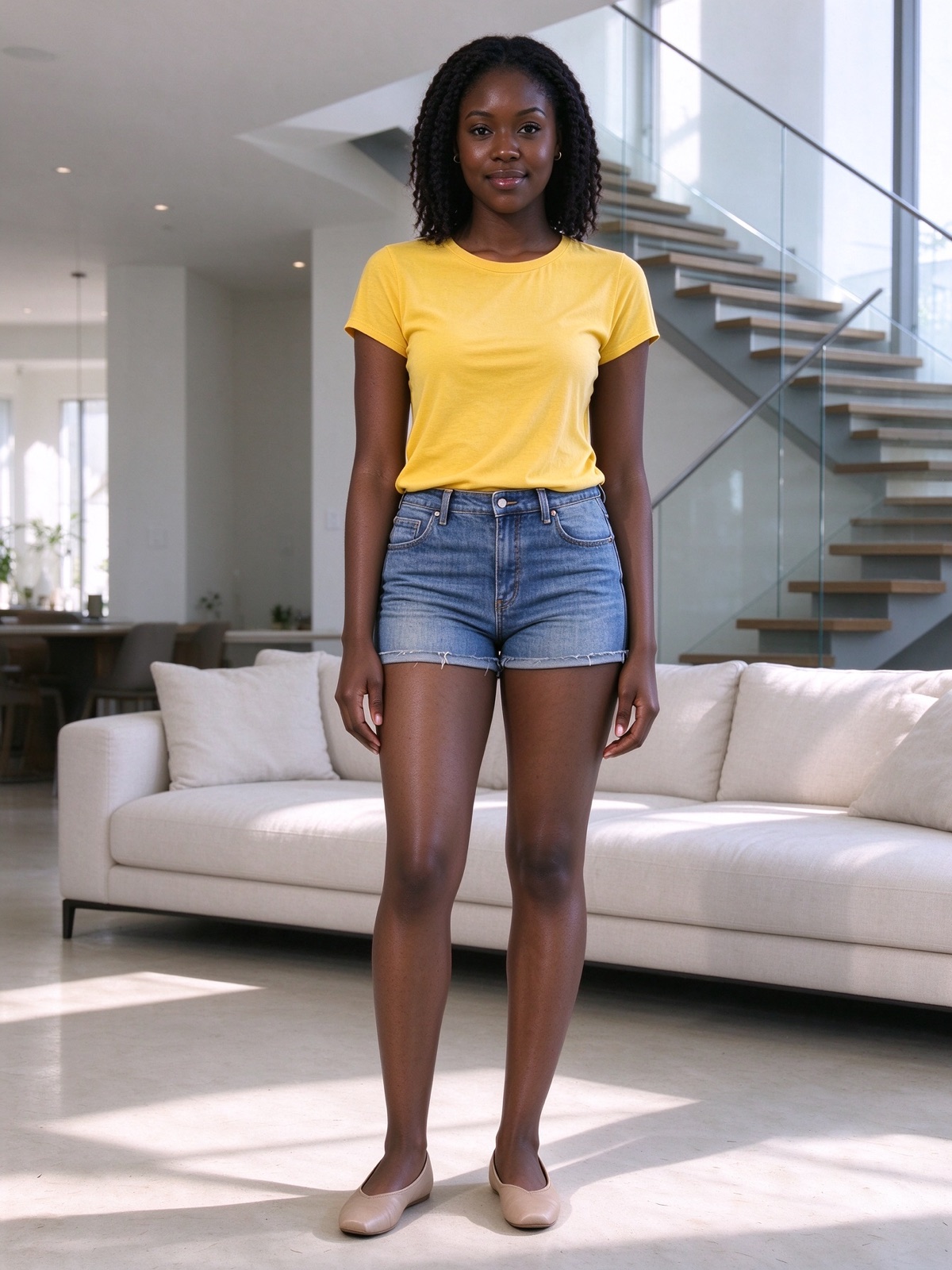
The same before-and-after pattern holds for a second solo photo and for a duo group photo:
Ready to try it? Open the generator and choose the template that matches your photos.